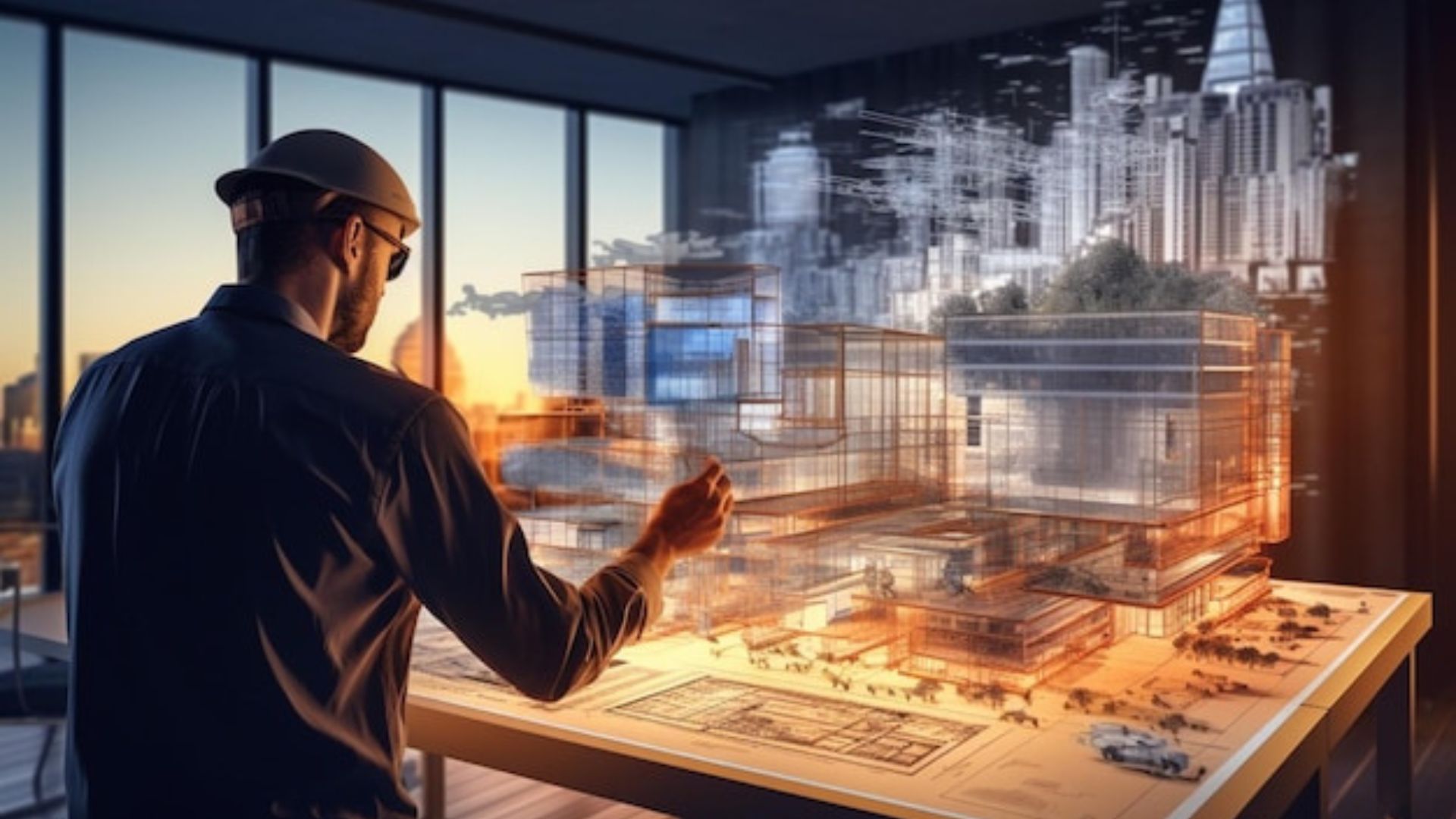








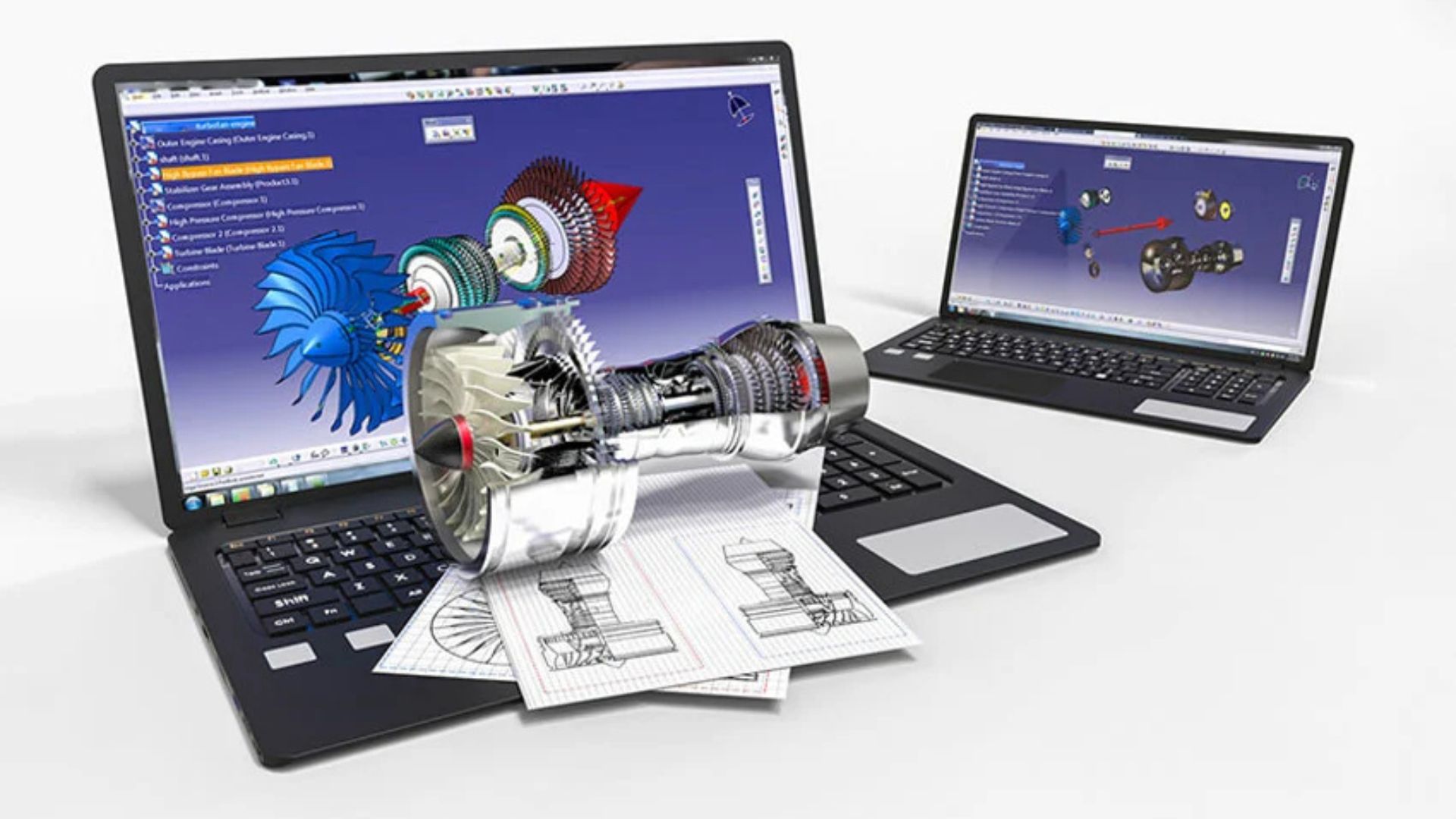
Whether you’re designing architectural plans in AutoCAD or sculpting models in Blender, CAD and 3D modeling are some of the most hardware-intensive tasks in the creative and engineering world. These workloads require high processing power, robust GPUs, precise input devices, and color-accurate displays. But not every studio or freelancer can afford to invest in high-end equipment upfront—especially for short-term projects or rapidly scaling teams. That’s where IT equipment rental comes in. Renting allows you to access cutting-edge tools without long-term commitments or capital strain. Here’s a breakdown of the top IT equipment you can rent for CAD and 3D modeling, and how each enhances your workflow.
High-Performance Workstations
The backbone of any CAD or 3D modeling setup is the workstation. These machines are optimized for handling large files, complex simulations, and rendering workflows.
What to look for:
-
Multi-core CPUs (Intel Core i9, AMD Ryzen 9, Threadripper)
-
High RAM capacity (32GB minimum, 64GB+ ideal for large assemblies)
-
Fast storage (NVMe SSDs for rapid data access and caching)
-
ISV certification for software like AutoCAD, Revit, SOLIDWORKS, or 3ds Max
Top rental models:
-
HP Z-series Workstations
-
Dell Precision Workstations
-
Lenovo ThinkStation P-series
These are built for reliability and performance in professional 3D environments.
Professional Graphics Cards (GPUs)
GPU acceleration is vital for rendering, real-time visualization, and viewport performance in modeling applications.
Recommended rental GPUs:
-
NVIDIA RTX A6000 / A5000 – For professional-grade visualization, simulation, and rendering
-
NVIDIA RTX 4090 / 4080 – High-performance consumer GPUs ideal for Blender, Unreal Engine, and 3D content creation
-
AMD Radeon Pro series – Great performance in CAD and OpenGL-based applications
A powerful GPU ensures smoother workflows, faster previews, and reduced rendering times.
4K Color-Accurate Monitors
Precision matters when it comes to modeling, texturing, and presenting designs. A high-quality display ensures your visuals are sharp and color-accurate.
Features to prioritize:
-
Resolution: 4K UHD for maximum detail
-
Panel Type: IPS or OLED for better color fidelity
-
Color Accuracy: 99% AdobeRGB or DCI-P3 coverage, factory-calibrated
-
Screen Size: 27″ to 32″ range offers ample workspace
Trusted rental monitors:
-
Eizo ColorEdge Series
-
BenQ PD and SW Series
-
Dell UltraSharp 4K Displays
-
LG UltraFine Displays
These displays offer clarity and precision for both modeling and presentation.
Precision Input Devices
Your tools don’t end with a keyboard and mouse. Specialized input devices streamline navigation and increase modeling accuracy.
Rentable input tools:
-
3Dconnexion SpaceMouse – Offers six degrees of freedom, perfect for orbiting, panning, and zooming in 3D space.
-
Wacom Tablets – Ideal for sculpting, texturing, and digital painting in ZBrush, Mudbox, or Photoshop.
-
Ergonomic Mice and Keyboards – Customizable and comfortable for long design sessions.
These tools enhance control, speed up workflows, and reduce wrist fatigue.
External Storage & Backup Solutions
Large 3D project files can quickly overwhelm internal drives. Renting external storage is an affordable way to manage data securely.
Recommended options:
-
Thunderbolt 3 / USB-C SSDs for fast file access
-
RAID-configured NAS units for shared storage across teams
-
Cloud-integrated backup drives for version control and remote access
Having reliable external storage keeps your workflow smooth and your files safe.
Networking Equipment
For collaborative CAD or BIM workflows, especially in larger offices or remote setups, fast and secure networking is essential.
Rental options include:
-
Business-grade Wi-Fi 6 routers
-
Managed switches for office networks
-
VPN-capable firewalls for secure remote collaboration
This ensures low-latency file sharing and stable connections during rendering or cloud syncing.
VR & AR Headsets (for Advanced Visualization)
More firms are adopting immersive design reviews using virtual and augmented reality. You can rent headsets for client demos or team walkthroughs.
Popular VR rentals:
-
Oculus Quest Pro
-
HTC Vive Pro
-
Varjo XR Series (for ultra-high-res AR/VR modeling)
These devices help you experience spaces and models at scale, offering a powerful edge during presentations.
Conclusion
Renting IT equipment for CAD and 3D modeling projects gives you the flexibility, performance, and tools needed to meet professional demands—without the long-term cost.
Whether you’re a small firm scaling up, a freelancer on a deadline, or a large team working on a short-term high-volume project, rental solutions let you stay ahead technologically while keeping your budget lean.