








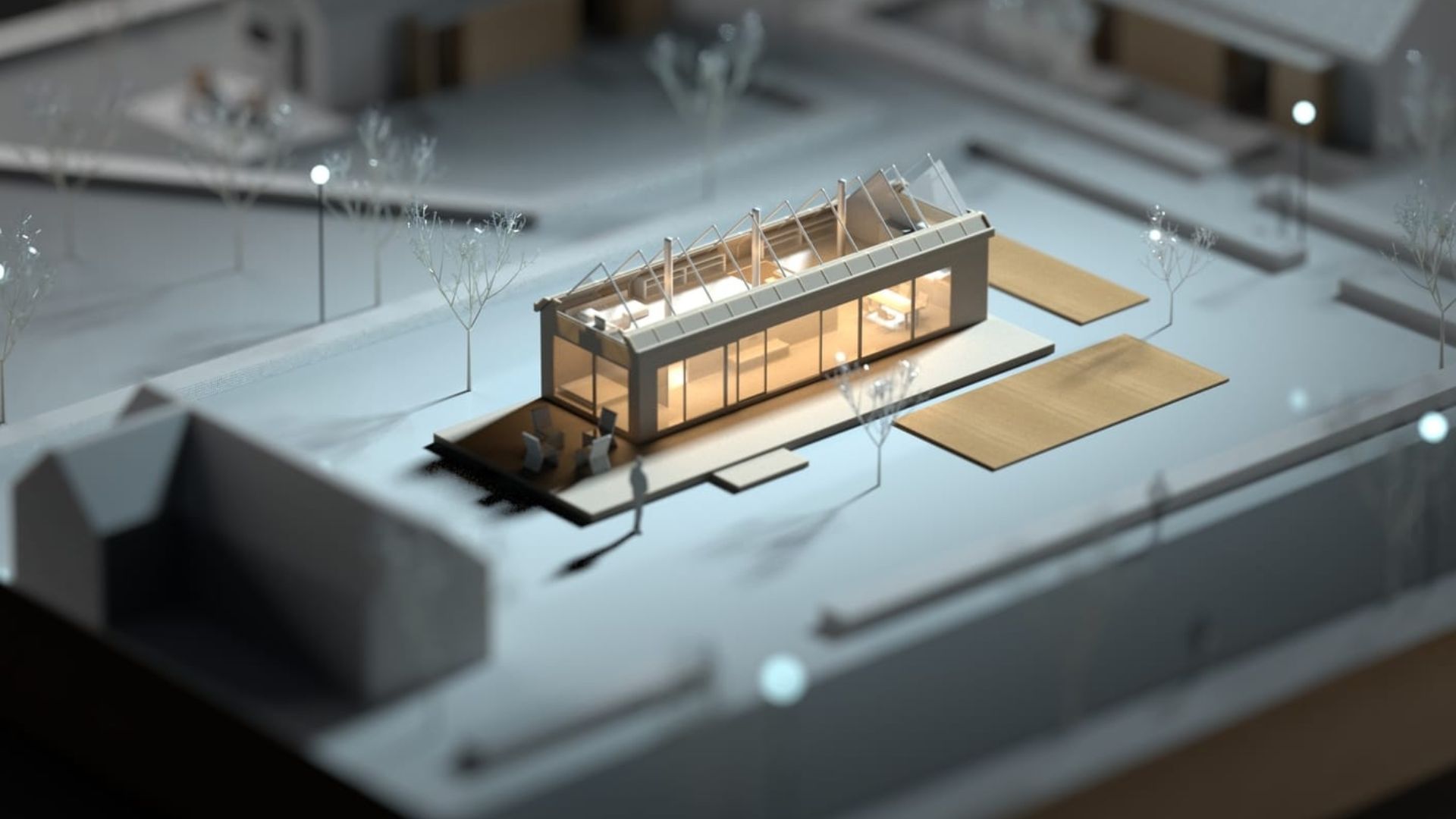
In architectural design, how you present your ideas can be just as important as the ideas themselves. Whether you’re pitching to clients, winning competitions, or coordinating with stakeholders, realistic 3D rendering has become essential.
The good news? Rendering technology has advanced rapidly. Today’s software solutions make it easier than ever to produce lifelike visuals—complete with dynamic lighting, textures, and atmospheres that turn 2D plans into immersive experiences.
Here’s a guide to the best rendering software for architectural visualization in 2025, tailored for professionals who want top-tier results.
V-Ray
Best for: High-end photorealistic rendering across multiple platforms.
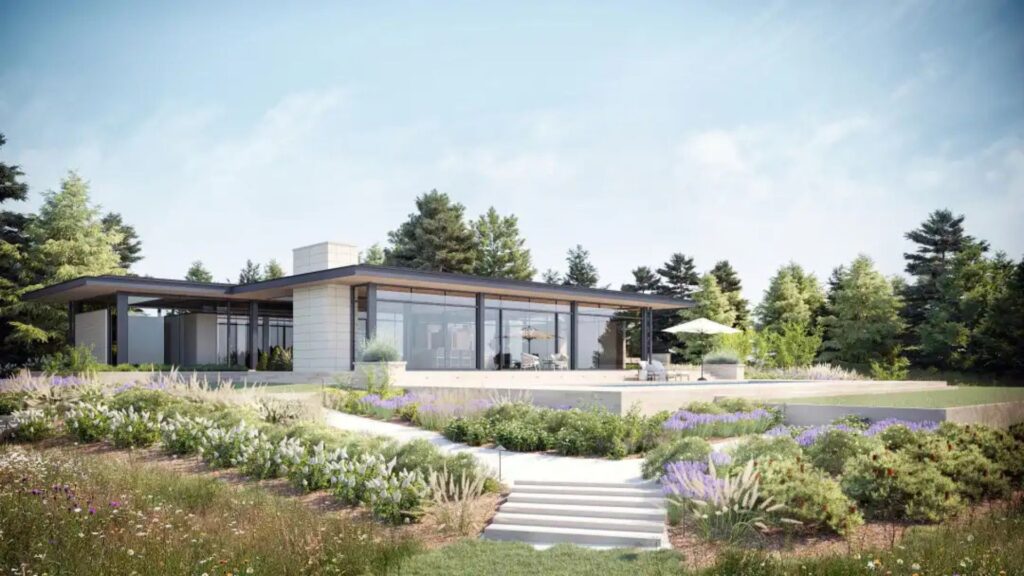
V-Ray is widely recognized as an industry leader. Used by architects, designers, and VFX artists alike, it’s known for producing stunning, photorealistic visuals with full control over every element of a scene.
Key Features:
-
Physically accurate lighting and materials
-
CPU and GPU rendering support
-
Deep integration with SketchUp, Revit, Rhino, and 3ds Max
-
Rich asset library with trees, furniture, lighting presets
Why Use It:
-
Ideal for commercial architectural projects, interiors, and exteriors.
-
Used by top studios for portfolio-quality renders.
Enscape
Best for: Real-time visualization directly inside design tools.
Enscape is a favorite among architects for its speed and ease of use. It’s a real-time rendering and VR tool that works as a plugin for Revit, SketchUp, Archicad, Rhino, and Vectorworks.
Key Features:
-
Live sync with your design model
-
Fast rendering—updates in seconds
-
VR integration for immersive presentations
-
Cloud rendering options
Why Use It:
-
Excellent for quick client walk-throughs and iterative design.
-
No complex settings—great for architects who aren’t rendering experts.
Twinmotion
Best for: Interactive, real-time renders with cinematic effects.
Developed by Epic Games (Unreal Engine), Twinmotion is a real-time rendering software designed specifically for architects and urban planners. It’s known for drag-and-drop simplicity and powerful visuals.
Key Features:
-
Realistic lighting, reflections, and weather control
-
Extensive asset library (trees, people, vehicles)
-
Integration with Revit, SketchUp, Archicad, and Rhino
-
Supports VR and AR output
Why Use It:
-
User-friendly interface for fast, impressive visuals.
-
Great for presentations and immersive storytelling.
Lumion
Best for: Fast, high-quality visualizations with a focus on storytelling.
Lumion is tailored for architects who want to bring their designs to life without a steep learning curve. It’s known for its realistic environment rendering—complete with animated people, landscapes, and weather.
Key Features:
-
AI-powered sky, weather, and lighting systems
-
Massive library of high-quality assets and materials
-
Real-time rendering and live sync with CAD tools
-
Panorama and video export options
Why Use It:
-
Ideal for architectural flythroughs, client presentations, and marketing visuals.
-
Lightning-fast rendering—even on modest hardware.
D5 Render
Best for: High-quality real-time rendering with intuitive UI.
D5 Render is an emerging favorite in the architectural community. It offers real-time ray tracing and a user-friendly experience, similar to Enscape or Lumion but with enhanced lighting control and GPU-based rendering.
Key Features:
-
Real-time ray tracing with global illumination
-
Large asset library
-
Integration with SketchUp, Revit, Rhino, and Archicad
-
Free and pro versions available
Why Use It:
-
Combines ease of use with impressive realism.
-
A great choice for small firms and freelancers.
Unreal Engine
Best for: Custom interactive visualizations and cutting-edge realism.
While not exclusively for architecture, Unreal Engine is the powerhouse behind many of the most advanced 3D visualizations in the world. It’s ideal for firms that want full control and cinematic-quality results.
Key Features:
-
Real-time rendering with photorealism
-
Blueprint system for interactivity
-
Nanite and Lumen tech for detailed environments
-
VR/AR-ready outputs
Why Use It:
-
Best for high-end marketing, presentations, or immersive experiences.
-
Steeper learning curve, but limitless potential.
Corona Renderer
Best for: Stunning static imagery and architectural interiors.
Corona is a CPU-based renderer known for clean, noise-free imagery with minimal setup. It’s especially popular for interior renders, thanks to its natural lighting and material system.
Key Features:
-
Intuitive controls and quick learning curve
-
Seamless integration with 3ds Max and Cinema 4D
-
Physically accurate lighting and shading
-
Interactive rendering previews
Why Use It:
-
Ideal for interior visualizations, product renders, and high-res stills.
-
Simpler than V-Ray but capable of equally stunning output.
Choosing the Right Tool
| Need | Recommended Software |
|---|---|
| Quick, real-time output | Enscape, D5 Render |
| High-end realism | V-Ray, Corona Renderer |
| Interactive presentations | Twinmotion, Unreal Engine |
| Architectural animation | Lumion, Twinmotion |
| Interior visualization | Corona Renderer, V-Ray |
| Budget-friendly options | D5 Render (free version), Twinmotion (free for education) |
Conclusion
The best rendering software for your firm depends on your goals, workflow, and team skillset. Whether you’re producing high-end photorealistic stills or delivering immersive VR walkthroughs, the tools listed above offer top-tier capabilities for every kind of architectural visualization.
In 2025, clients expect more than sketches—they want experiences. And with the right rendering software, you can turn your designs into stories that persuade, inspire, and win.


