










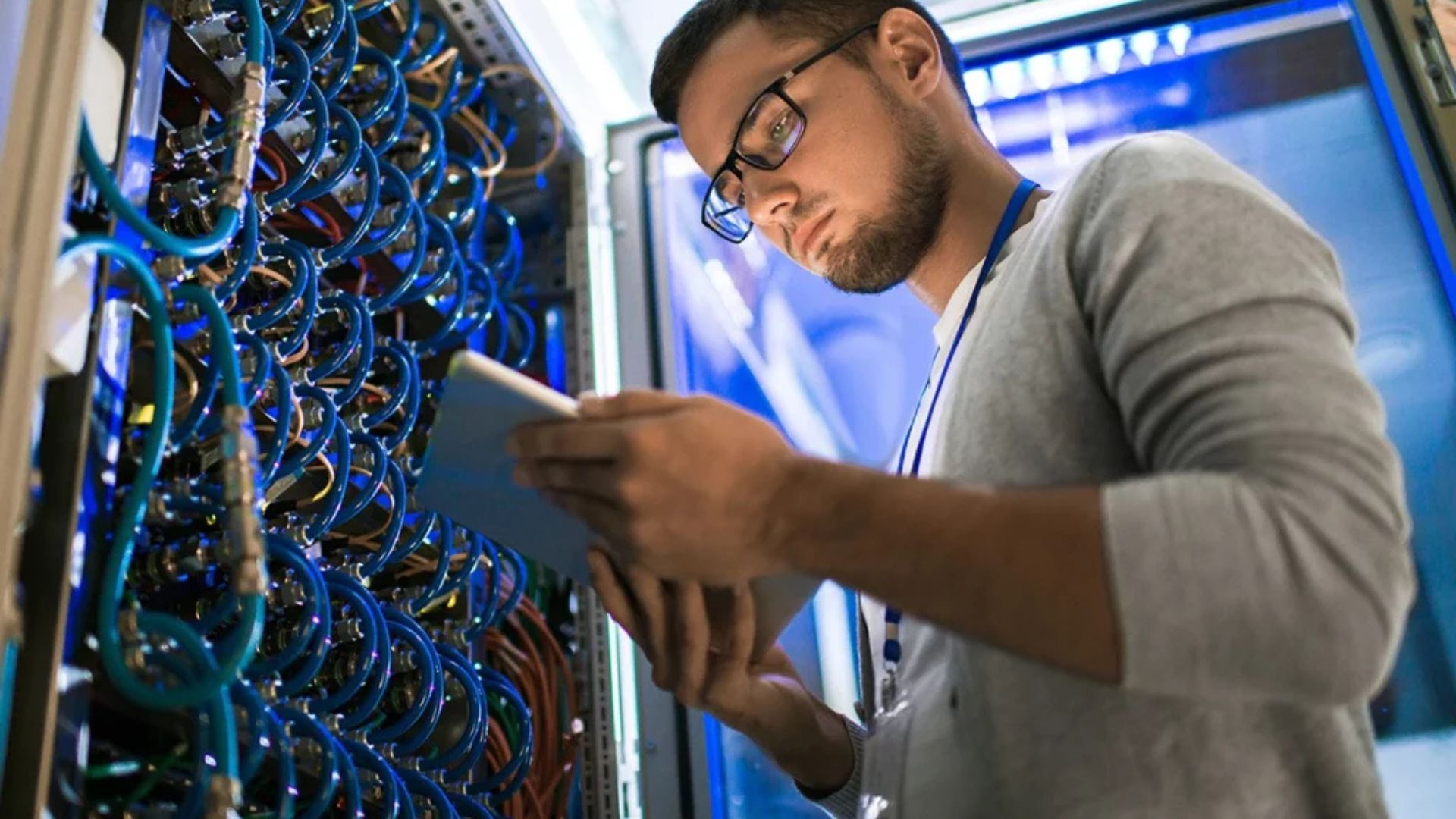
In a world increasingly driven by digital operations, hardware essentials for information technology infrastructure form the backbone of every successful business. While software grabs much of the spotlight, the physical components that power systems, store data, and connect users are just as critical. Without a strong hardware foundation, even the best software solutions can’t perform effectively.
Therefore, building a reliable IT infrastructure starts with selecting the right hardware tools to support speed, scalability, and security.

Why Hardware Still Matters in a Software-Driven World
As cloud computing and virtual environments grow more popular, it’s easy to assume hardware is becoming less relevant. However, that’s far from true. On-premise servers, routers, storage devices, and endpoint hardware remain essential for businesses that require speed, control, and data privacy.
In fact, many companies use a hybrid approach—combining cloud services with local hardware—to balance flexibility and performance. This makes choosing the right hardware essentials for information technology infrastructure more important than ever.
Core Hardware Components Every IT Infrastructure Needs
Whether you’re a startup building from scratch or an enterprise upgrading your systems, the following hardware components are foundational to a resilient IT setup.
1. Servers
Servers are the central brain of any IT infrastructure. They manage network resources, store and process data, and run critical applications.
-
Tower servers are great for small businesses.
-
Rack servers fit into server racks and are ideal for mid-sized businesses.
-
Blade servers offer high performance and are typically used in data centers.
When choosing servers, prioritize processing power, memory capacity, and expandability.
2. Networking Equipment
Efficient communication between devices is impossible without reliable networking hardware.
-
Routers direct traffic between networks and the internet.
-
Switches connect devices within the same network and manage internal traffic.
-
Firewalls protect the network by filtering incoming and outgoing traffic.
-
Access points enable wireless connectivity across physical spaces.
Together, these components form the core of any secure and scalable IT environment.
3. Storage Devices
Data storage is at the heart of IT operations. Businesses must store everything from documents and applications to backups and logs.
-
Network Attached Storage (NAS): Best for file sharing across users.
-
Storage Area Network (SAN): High-performance option for larger organizations.
-
Solid-State Drives (SSD): Offer speed and reliability.
-
Hard Disk Drives (HDD): Cost-effective for storing large volumes of data.
Choosing the right combination depends on your storage needs, performance requirements, and budget.
4. Workstations and Endpoints
End-user devices are often overlooked in discussions about infrastructure but are essential for daily operations.
-
Desktops and laptops should match the computing needs of your teams.
-
Thin clients are ideal for cloud or virtual desktop infrastructure environments.
-
Monitors, peripherals, and accessories improve usability and productivity.
Investing in quality endpoints ensures employees can work efficiently and securely.
5. Power Supply and Backup Systems
Power stability is crucial to protect your hardware and data.
-
Uninterruptible Power Supplies (UPS) offer backup power and protect against surges.
-
Power Distribution Units (PDU) help distribute power across racks and data centers.
-
Generators may be needed for longer power outages in mission-critical environments.
Without adequate power backup, hardware failures and data loss become real risks.
6. Cooling and Environmental Control
Servers and networking gear generate significant heat. Proper cooling systems are essential to prevent overheating and ensure hardware longevity.
-
Rack cooling systems for large data centers.
-
Portable air conditioners for smaller server rooms.
-
Environmental monitors to track temperature and humidity levels.
Ignoring environmental factors can lead to system instability or complete hardware failure.
Benefits of Investing in the Right Hardware Essentials
-
Improved Performance: High-quality hardware ensures faster data processing and smoother operations.
-
Increased Security: Enterprise-grade hardware includes enhanced security features to protect your infrastructure.
-
Scalability: Well-planned hardware setups grow with your business needs.
-
Cost Savings: Reliable equipment reduces downtime, maintenance costs, and the need for frequent replacements.
-
Regulatory Compliance: Some industries require physical data storage and controlled environments to meet compliance standards.
Best Practices for Managing IT Hardware
To maximize your investment in hardware essentials for information technology infrastructure, follow these tips:
-
Perform regular maintenance: Clean, update, and monitor devices for wear.
-
Implement asset tracking: Know where each device is, who uses it, and when it was last serviced.
-
Plan for upgrades: Keep hardware on a replacement cycle to avoid performance issues.
-
Ensure redundancy: Duplicate critical systems to reduce the risk of downtime.
-
Integrate with software: Make sure your hardware is compatible with essential business applications.
Final Thoughts
In conclusion, building a resilient, secure, and scalable IT system starts with investing in the right hardware essentials for information technology infrastructure. From servers and networking gear to storage solutions and cooling systems, each component plays a vital role in supporting your business’s digital operations.
By understanding what your business truly needs—and planning for growth—you can create an infrastructure that keeps up with innovation and ensures smooth day-to-day performance. Ready to assess your current hardware stack? Let’s build the foundation for your future success.


