









When you’re dealing with massive datasets, complex simulations, or resource-intensive rendering tasks, standard hardware simply won’t cut it. Whether you’re in engineering, data science, architecture, or AI development, selecting the right high-performance computing (HPC) hardware is essential for efficiency, accuracy, and speed.
Let’s break down the essential components and decision-making criteria to help you build or buy the perfect high-performance system for your workload.
Define Your Workload Before You Buy
Before you dive into hardware specs, you need to clearly define what you’ll be doing. Different tasks have different requirements:
| Workload Type | Primary Hardware Need |
|---|---|
| 3D Rendering & Animation | High-end GPU + CPU cores |
| Scientific Simulation (e.g. CFD) | Multi-core CPU, ECC RAM |
| AI/Deep Learning | Multiple GPUs, high-speed storage |
| Video Editing/Compositing | Balanced CPU-GPU, fast SSDs |
| Data Analytics & Modeling | RAM capacity, CPU threads, fast I/O |
Tip: A system optimized for GPU rendering might not perform well in CPU-bound simulations. Match the system to the job.
Choose the Right CPU: Core Count vs. Clock Speed
The CPU is the backbone of HPC systems. Your choice depends on the type of computation:
High Core Count (Multithreaded workloads):
-
Ideal for simulations, rendering, scientific computing
-
Examples: AMD Threadripper Pro, Intel Xeon
High Clock Speed (Single-threaded performance):
-
Better for tasks like CAD, modeling, or real-time applications
-
Examples: Intel i9, AMD Ryzen 9
Look for:
-
16+ cores for simulation/rendering
-
Base clock speed above 3.5 GHz for real-time performance
-
ECC support if stability is critical
GPU Power: Essential for Rendering, AI, and Visualization
The GPU (Graphics Processing Unit) handles parallel processing tasks extremely well. For many modern applications—especially deep learning, real-time rendering, and 3D modeling—a strong GPU is mandatory.
Options:
-
NVIDIA RTX A-Series (formerly Quadro) – Certified for professional applications
-
NVIDIA GeForce RTX 4090 – Great for rendering/AI with massive CUDA cores
-
AMD Radeon Pro – Solid alternative for CAD and creative workflows
Tip: For deep learning or GPU rendering (like Octane, Redshift, or TensorFlow), consider dual or even quad-GPU setups.
RAM: Capacity and Stability Matter
RAM affects how many tasks you can run at once and how efficiently large datasets are handled.
General Guidelines:
-
32 GB – Entry-level for design/engineering
-
64–128 GB – Ideal for 3D workflows and simulations
-
256 GB+ ECC RAM – For HPC, scientific computing, or AI model training
ECC (Error-Correcting Code) RAM is preferred in critical systems to prevent data corruption and crashes.
Storage: Speed and Size Are Equally Important
Fast storage reduces loading times, speeds up simulations, and improves access to large datasets.
Recommended Setup:
-
Primary Drive (OS and Apps): NVMe SSD (1–2 TB)
-
Secondary Drive (Project Files): SATA SSD or HDD (2–8 TB)
-
RAID Arrays or NAS: For redundancy and team-based environments
Tip: For large-scale simulations or video projects, look for PCIe Gen4 NVMe SSDs for lightning-fast read/write speeds.
Cooling and Power Supply: Don’t Overlook the Basics
High-performance components generate heat and consume serious power.
Essentials:
-
Efficient Cooling: Air or liquid cooling for CPU/GPU
-
UPS and Surge Protection: Keep systems safe from power loss
-
PSU Rating: 850W–1600W with high efficiency (80+ Gold or better)
Neglecting thermal management can reduce performance and shorten hardware lifespan.
Motherboard and Expandability
Choose a motherboard that supports:
-
Enough PCIe lanes for GPUs or NVMe storage
-
High RAM capacity (128 GB+)
-
USB-C, Thunderbolt, or 10GbE if needed for peripherals or networking
Tip: For workstations, opt for server-grade boards with error reporting, remote management, and high reliability.
Portability vs. Power: Desktop or Rackmount
-
Desktops are ideal for studios, freelancers, and small teams.
-
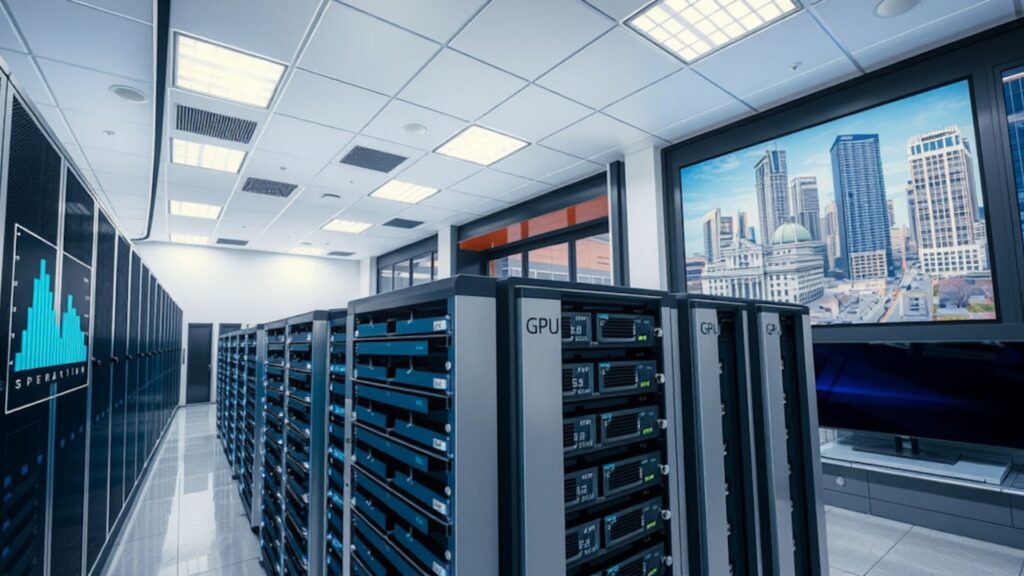
Rackmount servers or blade systems are better for labs, render farms, or AI clusters.
If mobility is needed, look into mobile workstations with desktop-class GPUs and CPUs—but be prepared to compromise on thermals and performance.
Conclusion
Choosing the right hardware for high-performance computing isn’t about getting the most expensive system—it’s about getting the right configuration for your specific workload.
✅ Define your tasks
✅ Match your components
✅ Plan for future upgrades
✅ Balance performance, reliability, and cost
With the right setup, your hardware becomes a powerful extension of your creative or analytical capabilities—accelerating work, reducing wait times, and enabling truly demanding computing tasks.


