


Upgrading IT systems is essential for staying competitive and secure in today’s fast-paced technological world. An outdated IT infrastructure can limit productivity, compromise security, and reduce overall efficiency. To avoid these challenges, it’s important to plan and execute system upgrades carefully. In this guide, we’ll walk you through how to upgrade IT systems step by step.
1. Assess Your Current IT Infrastructure
The first step is to evaluate your existing IT infrastructure. Take a close look at hardware, software, networks, and data storage. Identify components that are outdated or underperforming.
-
Why It’s Important:
A thorough assessment helps you understand where your system stands and what needs improvement. Without this step, you may overlook critical issues that could affect the upgrade process. -
How to Do It:
Conduct regular system audits. Use monitoring tools to track performance. Identify bottlenecks, security gaps, and inefficiencies. Once you have a clear picture, you can plan the upgrade more effectively.
By starting with a solid assessment, you can prioritize upgrades based on urgency and importance.
2. Define Your Upgrade Objectives
Next, determine the goals of your IT upgrade. Do you need better performance, enhanced security, or increased scalability? Clearly defined objectives will guide your decision-making process.
-
Why It’s Important:
Setting clear goals ensures that the upgrade addresses your business’s specific needs. It also helps avoid unnecessary spending on features you don’t need. -
How to Do It:
Talk with different departments to understand their needs. Is your team struggling with slow processing speeds or data storage limitations? Are there new security standards you must meet? Establishing these objectives will give your upgrade direction.
With defined goals, your upgrade will be focused and aligned with your company’s needs.
3. Plan the Upgrade Process
Once you’ve assessed your current systems and set clear goals, it’s time to plan the upgrade. A structured plan helps ensure that the process is efficient and minimizes disruptions.
-
Why It’s Important:
A well-planned upgrade reduces the risk of downtime. It also ensures that resources are allocated effectively, helping to avoid delays and cost overruns. -
How to Do It:
Create a timeline for the upgrade. Break down the process into manageable phases. For example, you can start with upgrading hardware, followed by software improvements, and then optimize network infrastructure. Identify the team responsible for each phase and ensure everyone understands their roles.
Incorporating milestones and checkpoints in your plan will keep the upgrade on track.
4. Upgrade Hardware
Hardware upgrades are often necessary to support newer software and improve system performance. You may need to replace old servers, storage devices, or network equipment.
-
Why It’s Important:
Hardware is the backbone of your IT system. Outdated hardware can slow down processes, limit storage capacity, and create security vulnerabilities. -
How to Do It:
Replace or upgrade key hardware components. For example, consider upgrading to SSDs for faster data access or replacing old routers to improve network speeds. Be sure to choose hardware that aligns with your current and future needs.
By upgrading hardware, you’ll increase system speed, reliability, and capacity.
5. Update Software and Applications
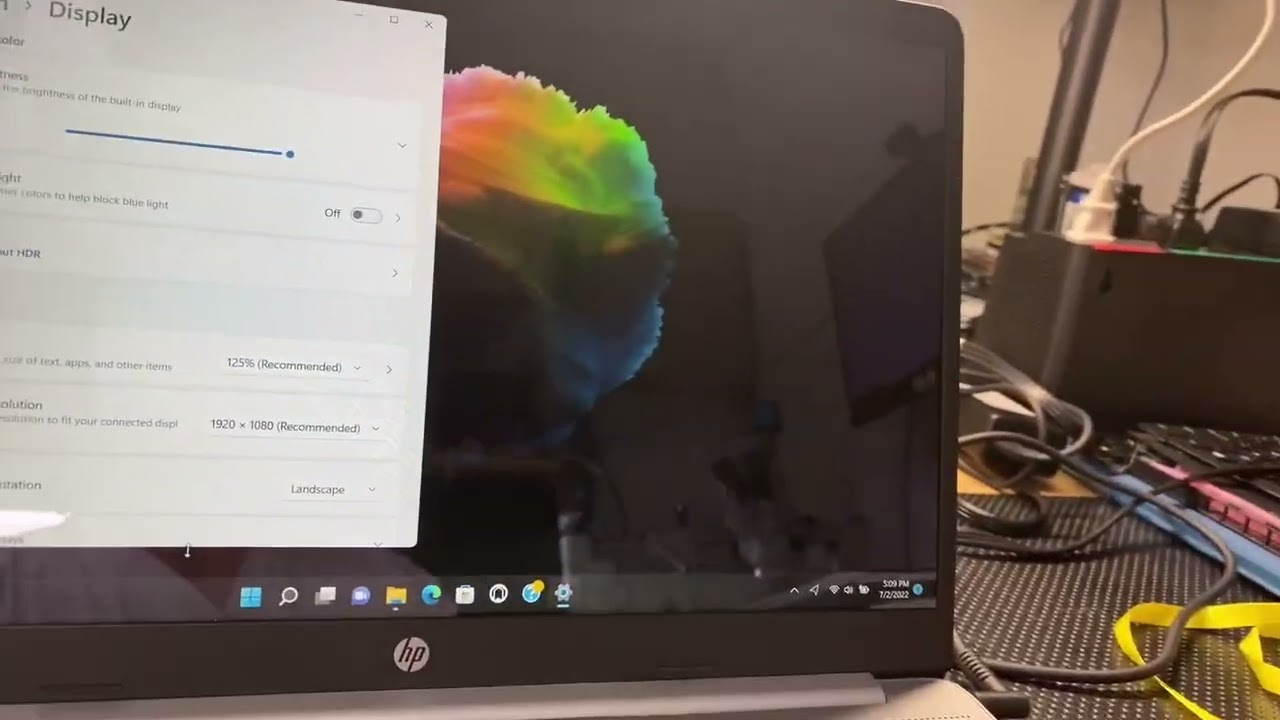
Software and applications often require regular updates to ensure they function efficiently and securely. An outdated operating system or application can lead to compatibility issues and security risks.
-
Why It’s Important:
Up-to-date software improves functionality, security, and user experience. Moreover, new versions often include important bug fixes and performance enhancements. -
How to Do It:
Start by upgrading the operating system. Ensure that your applications are compatible with the new system. Then, update or replace any legacy software that no longer serves its purpose. Implement the latest security patches for all software.
Updating software ensures better performance and enhances security features.
6. Enhance Security Measures
As you upgrade your IT systems, make security a top priority. Hackers are constantly finding new vulnerabilities to exploit. Therefore, strengthening security is crucial to safeguarding your data and networks.
-
Why It’s Important:
Security breaches can lead to data theft, downtime, and reputational damage. By enhancing security, you reduce the likelihood of these risks. -
How to Do It:
Install the latest antivirus software and firewalls. Set up multi-factor authentication (MFA) for user logins. Regularly monitor network traffic and implement intrusion detection systems (IDS). Make sure your backup systems are secure and tested.
By reinforcing security, you protect sensitive data and ensure business continuity.
7. Optimize Network Infrastructure
A fast and reliable network is essential for smooth operations. When upgrading IT systems, ensure that your network infrastructure is robust enough to handle increased traffic and data demands.
-
Why It’s Important:
Slow or unreliable networks can significantly hamper productivity. A well-optimized network improves communication, data transfer speeds, and collaboration across teams. -
How to Do It:
Upgrade routers, switches, and firewalls to handle more traffic. Implement bandwidth management tools to optimize network performance. Consider transitioning to cloud-based solutions to reduce the load on your internal infrastructure.
Optimizing network infrastructure ensures that your systems run smoothly and efficiently.
8. Test and Validate the Upgrade
After completing the upgrade, it’s crucial to test and validate the changes. This step helps identify any issues and ensures that everything is working as expected.
-
Why It’s Important:
Testing confirms that the upgrade meets your objectives. It also helps you identify potential problems before they impact your operations. -
How to Do It:
Perform a thorough system test. Check the performance of hardware and software. Ensure that all new features and applications work properly. Involve your team in the testing process to get feedback on usability and performance.
Testing gives you confidence that your IT systems are ready to go live.
9. Provide Training and Support
With the new IT systems in place, ensure that your employees are equipped to use the upgraded technology effectively. Training is key to maximizing the benefits of the upgrade.
-
Why It’s Important:
Employees need to understand how to use new systems, tools, and software. Lack of training can result in underutilization and confusion. -
How to Do It:
Offer training sessions tailored to different teams. Provide resources such as tutorials, FAQs, and support documents. Make sure your IT support team is available to assist with any post-upgrade issues.
Training empowers your team to use the upgraded systems effectively.
10. Monitor Performance and Make Adjustments
After the upgrade, continuous monitoring is essential to ensure that everything runs smoothly. Keep an eye on system performance, security, and user feedback.
-
Why It’s Important:
Ongoing monitoring helps you spot potential issues early. Regularly reviewing your systems also ensures that your upgrades continue to meet your objectives. -
How to Do It:
Use monitoring tools to track system performance and security. Collect feedback from employees and end-users to identify any pain points. Make adjustments as necessary to optimize performance.
Continuous monitoring allows you to fine-tune your system for optimal efficiency.
Conclusion
Upgrading IT systems is a crucial step for any business looking to stay competitive and secure. By following a structured approach—starting with assessment and ending with monitoring—you ensure that your upgrade is successful. Remember, the process is ongoing. As technology continues to evolve, it’s important to stay ahead of the curve with regular updates and improvements. With the right planning and execution, your upgraded IT systems will drive performance, security, and scalability for years to come.


