










Being a student often means managing multiple tasks, assignments, and projects simultaneously, all while working with a limited budget. Fortunately, there’s no shortage of free software that can help students thrive academically without breaking the bank. From note-taking apps to productivity tools, there are numerous options to assist students in staying organized, improving their focus, and enhancing their creativity.
In this article, we’ll walk you through some of the best free software for students in 2025 that can optimize learning, simplify tasks, and foster creativity—all at no cost.
Essential Productivity Tools for Students
Productivity is crucial for academic success, and there are several tools that can help you manage time, organize tasks, and stay on top of assignments.
1. Trello
Trello is a popular project management tool that uses a card-based system to organize tasks, assignments, and deadlines. It’s perfect for students who want to keep track of multiple projects, whether it’s for school or extracurricular activities. The drag-and-drop interface is incredibly intuitive, allowing you to visualize your to-do list effectively.
Key Features:
-
Create boards, lists, and cards for easy task management
-
Use labels, due dates, and checklists for better organization
-
Collaborate with classmates or group members on shared projects
-
Integrate with other apps like Google Drive, Slack, and Dropbox
2. Google Keep
Google Keep is a simple but powerful note-taking app that syncs across devices. It’s perfect for jotting down lecture notes, brainstorming ideas, or creating to-do lists. The ability to add voice memos, images, and checkboxes makes it an extremely versatile tool for students.
Key Features:
-
Quick note-taking with voice memos and images
-
Color-coded labels for easy categorization
-
Syncs across all devices, so your notes are always accessible
-
Set reminders for important tasks and deadlines
3. Notion
Notion is a multifunctional workspace that combines notes, tasks, databases, and calendars. Students can use it to manage study schedules, organize lecture notes, and even create personal journals. With its wide range of customizable templates, Notion adapts to any workflow and can keep everything in one place.
Key Features:
-
Combine notes, tasks, wikis, and databases in one platform
-
Use templates for notes, to-do lists, and calendars
-
Real-time collaboration for group projects
-
Syncs across devices for seamless access
Creative Tools for Students
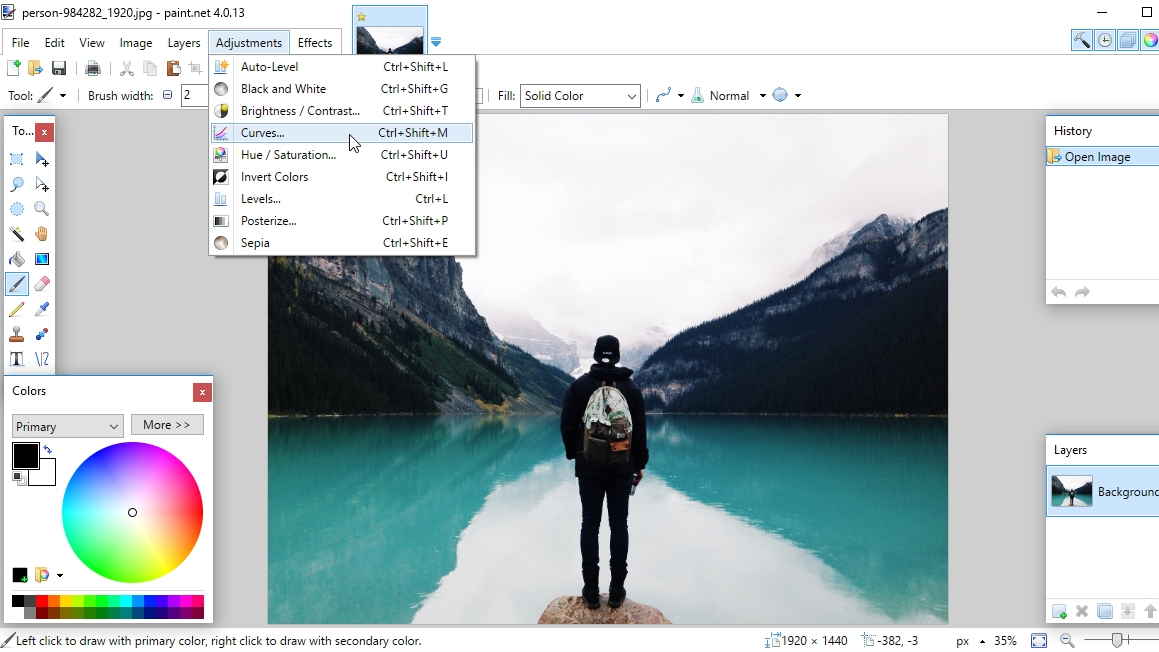
Whether you’re a budding graphic designer, a writer, or a multimedia student, having the right creative tools is essential. Thankfully, there are several high-quality free programs available for creative work.
4. GIMP
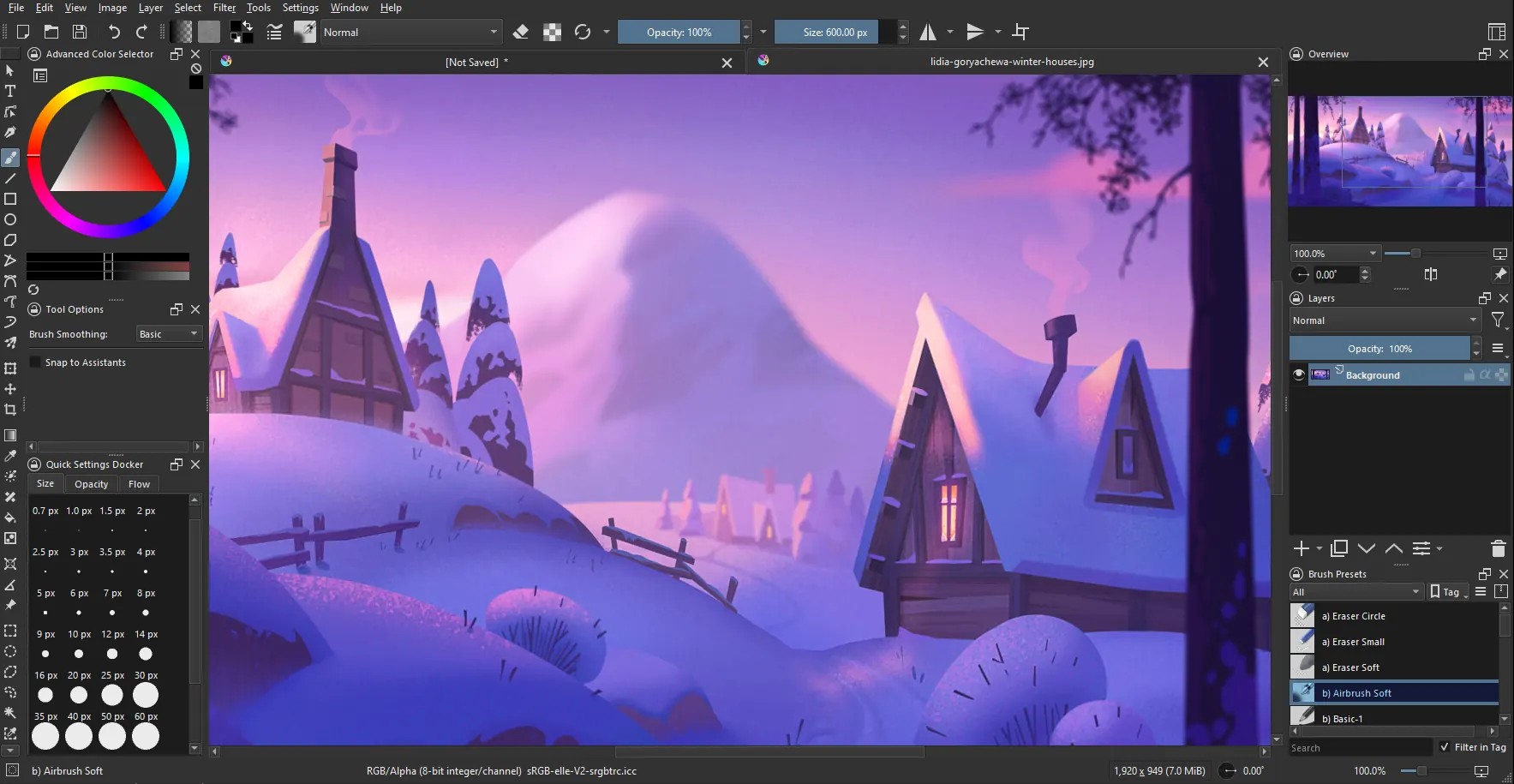
For students interested in graphic design or photo editing, GIMP is an excellent free alternative to Adobe Photoshop. This open-source software offers a wide range of professional tools for photo manipulation, digital painting, and image composition.
Key Features:
-
Powerful editing tools like layers, filters, and brushes
-
Supports multiple file formats, including PSD and PNG
-
Active community with plenty of tutorials and plugins
-
Customizable interface to suit your workflow
5. Blender
Blender is an open-source 3D design software used for creating animations, models, and simulations. It’s widely used by students pursuing 3D design, game development, or animation. Blender may have a learning curve, but it offers endless possibilities for creating professional-level content.
Key Features:
-
3D modeling, animation, rendering, and sculpting tools
-
Full video editing suite for creating animations and films
-
Regular updates and an active community for support
-
Free and open-source with no limitations
6. Canva
For students who need to create presentations, posters, or social media graphics, Canva is a user-friendly design tool that comes with free templates and design elements. It’s perfect for students who need to quickly put together professional-looking graphics without the steep learning curve of other design software.
Key Features:
-
Easy drag-and-drop interface for quick design
-
Access to thousands of free templates and design elements
-
Customizable templates for social media, presentations, and more
-
Collaboration features for group projects
Study and Writing Tools
Writing essays, preparing presentations, and studying for exams can be overwhelming. Thankfully, there are free tools that make studying and writing easier and more efficient.
7. Grammarly
Grammarly is an essential tool for students looking to improve their writing. This AI-powered software checks your grammar, punctuation, style, and even plagiarism, helping you produce polished papers and essays. It’s especially useful for students who need extra help with proofreading their work.
Key Features:
-
Grammar, punctuation, and style suggestions
-
Real-time writing assistant for essays, emails, and more
-
Plagiarism checker to ensure originality
-
Browser extension for easy integration with online writing
8. Mendeley
For students conducting research or writing papers that require citations, Mendeley is an invaluable tool. It helps you manage references, organize PDFs, and generate citations in various styles. Mendeley also offers collaborative features, so you can share research with classmates or research groups.
Key Features:
-
Manage and organize academic papers and references
-
Generate citations and bibliographies in multiple formats
-
Collaborate with classmates and research teams
-
Sync across devices for easy access to research
9. Microsoft OneNote
Microsoft OneNote is a powerful note-taking application that allows students to organize their lecture notes, sketches, and to-do lists in one place. Its ability to work offline and sync to the cloud makes it easy to access your notes from any device, anytime.
Key Features:
-
Organize notes in notebooks, sections, and pages
-
Handwriting recognition and digital inking tools for tablets
-
Syncs across all devices via OneDrive
-
Collaborative features for group projects
Communication and Collaboration Tools
Effective communication is key to working with classmates, especially for group projects and presentations. The following tools help students collaborate effortlessly, whether in person or remotely.
10. Slack
Slack is an excellent communication platform for students working on group projects. It allows you to create channels for specific topics, making it easy to share ideas, files, and updates. Slack also integrates with other apps like Google Drive and Trello, streamlining collaboration efforts.
Key Features:
-
Organize team communication with channels for different topics
-
Share files and collaborate on documents in real time
-
Integrates with tools like Google Drive and Trello
-
Available on multiple platforms, including mobile and desktop
11. Zoom
Zoom has become a staple in remote learning and virtual meetings. Whether you’re attending an online class or holding a group discussion, Zoom’s video conferencing platform allows you to meet virtually with classmates and instructors. It’s perfect for collaborative learning and staying connected with your academic community.
Key Features:
-
High-quality video conferencing and screen sharing
-
Virtual breakout rooms for group discussions
-
Recording capabilities for later review
-
Chat and file-sharing options during meetings
Conclusion: The Power of Free Software for Students
With the wide array of free software tools available today, students can access powerful programs that enhance their productivity, creativity, and learning experience. Whether you need help managing assignments, improving your writing, creating stunning visuals, or collaborating with classmates, these tools have you covered—all without the hefty price tag.
By incorporating these free tools into your daily routine, you can streamline your academic tasks, stay organized, and get the most out of your studies. The best part? You don’t need to spend a dime to access these high-quality resources. Start using these tools today and make your student life more efficient and enjoyable!


